Remove background from image - free and fast!
Clearcut removes photo backgrounds online. Upload an image, refine the edges, and download a transparent PNG for your shop, profile, or design.
Sign up and verify your email. Use them on the website or API. No card needed.
or drop a file anywhere
JPG, PNG or WebP · Up to 22 MB
Checking your balance…
Good edges.
New possibilities.
Real photos, processed with Clearcut. Slide across to see what stays.
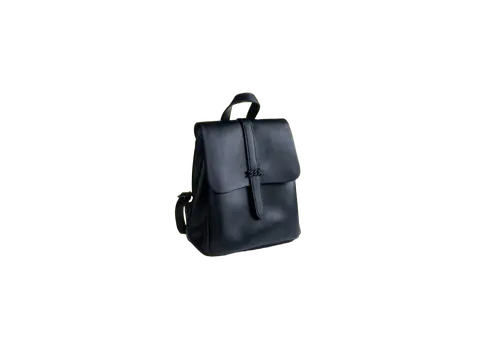
 OriginalClearcut
Make the product the focus.
Give a product a clean background for your shop, catalog, or next campaign.
Photo by Marina Zaharkina · UnsplashUpload your own image for paid processing. Results depend on the source image.
One photo.
More than one way to use it.
Start with a cutout. Choose where it goes next.

Less background.
More room for your ideas.
Practical workflows for things you already make. Each example comes with a guide you can follow.

Photos that belong together
A consistent background, crop, and margin for your product catalog.
See how it’s done
Your next profile picture
Keep your expression. Choose a calmer color behind it.
See how it’s done
Let the car do the talking
Clean up the setting without repainting the vehicle.
See how it’s done
A cutout with character
Make room for fur, whiskers, and the details that matter.
See how it’s done
Ready for any layout
Export a transparent PNG for slides, graphics, and collages.
See how it’s done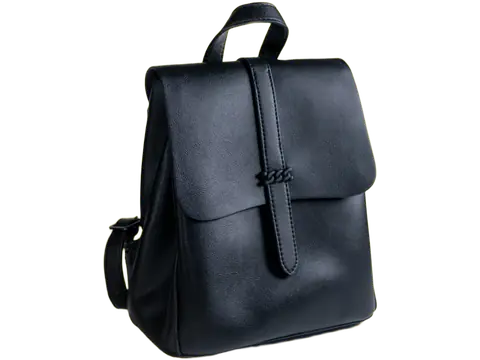
One look. A whole batch.
Apply shared settings and download your finished images together.
See how it’s doneA little guidance.
A cleaner result.
No editing experience needed. These guides take you from the first upload to the right download.
Browse every guideKeep the look.
Repeat the workflow.
Use the bulk editor for a folder of photos, or connect the API to your own app. Your credits work across both.
A few things to know.
Can I remove a background for free?
Guests can use Fast mode for up to five images a day, up to 12 megapixels. Shared network and capacity limits apply. Verified accounts receive 30 free credits every calendar month, shared by the website and API. They renew on the first (UTC) and do not roll over. Accounts use credits while their balance is positive. At zero credits, the same five-per-day Fast allowance becomes available.
Which format keeps the background transparent?
Choose PNG or WebP and leave the background transparent. JPG does not support transparency; Clearcut fills transparent areas with white for a JPG export.
Do edits cost more credits?
Manual erasing and restoring, background colors, layout changes, and downloads add no credits. Smart Brush uses one credit per request. Magic Background uses three credits for a completed generation.
How long can I come back to my image?
Images and results are available for 60 minutes, whether you are signed in or not. Download the originals and finished versions you want to keep.
Your photo.
Without the background.
JPG, PNG or WebP · Up to 22 MB